

lightdash validate to your GitHub Actions so changes can’t be merged unless they pass the validation.
Usage
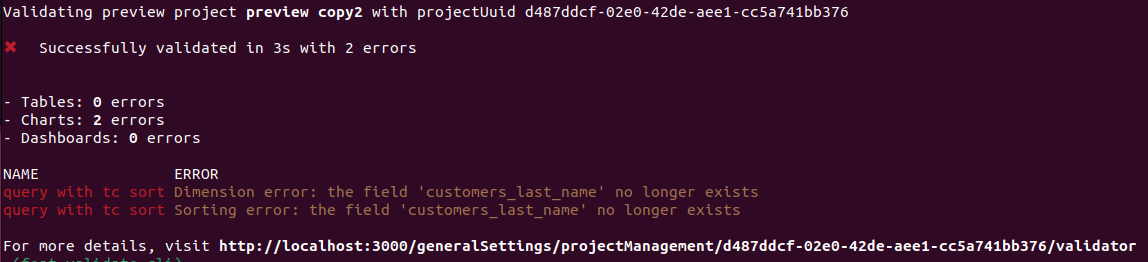
Validate your changes against your project by running lightdash validate
You can runlightdash validate to check if your changes break any of the content in production. By default, lightdash validate will check your changes against the content in the project you’ve selected on the CLI. You can change your project using lightdash config set-project.
--preview argument to validate your last preview environment created from the CLI.
You will get a list of errors if your local files are going to break some content on your project. These errors will not be reflected on the validation table on Lightdash settings.
Validate any project using the project UUID
You can run a validation on any project by specifying the project UUID in thelightdash validate command.
projects/
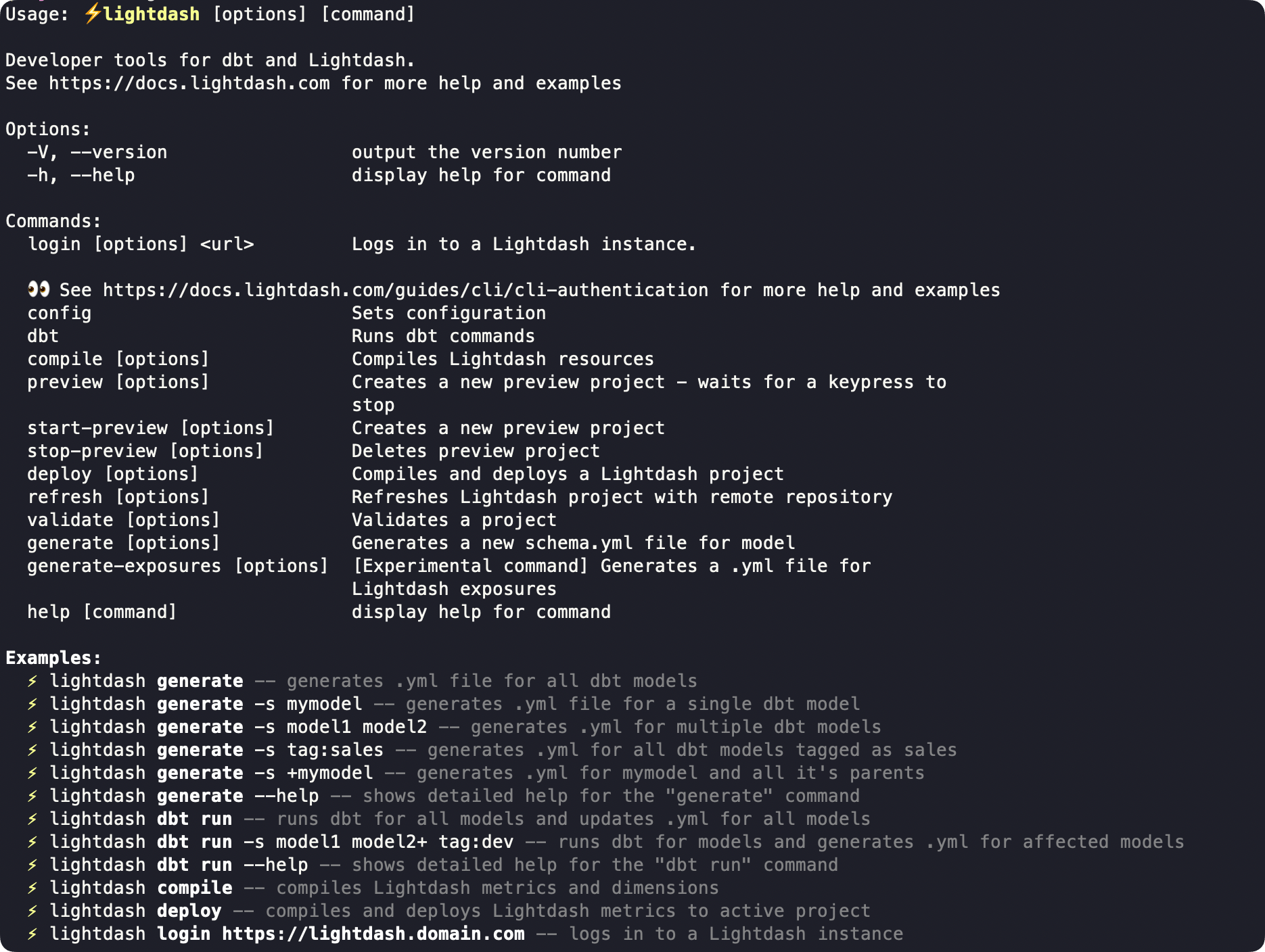
Validate only specific elements of your project
You can select which parts of your project you would like to validate using the--only argument.
-
tables -
charts -
dashboards
Use strict compilation during validation
lightdash validate uses partial compilation by default. Field, join, and set-validation failures that can be isolated are reported as warnings so Lightdash can continue validating the rest of the explore; failures that cannot be isolated can still produce model errors.
Use --no-partial-compilation to report failures normally handled by partial compilation as model errors:
--only and exclude tables, the compile output can still show ERROR, but only the selected validation targets determine the final exit status. Other generic compilation warnings remain non-blocking.
This replaces the removed PARTIAL_COMPILATION_ENABLED=false environment-variable behavior.
Validate physical column references against the warehouse
Use--validate-warehouse-columns to check supported unquoted ${TABLE}.column references with warehouse queries that return no rows:
lightdash validate includes tables by default, so no additional option is required. If you customize --only, keep tables in the list to run the warehouse check; use --only tables when you want to validate tables without charts or dashboards.
The check requires warehouse credentials and the warehouse catalog, and is skipped for dbt Cloud CLI and Lightdash YAML-only compilation. See the CLI reference for supported reference syntax and all skip conditions.
Configure Github actions
This command will create a preview environment, and then validate this preview by specifying--preview on the validate command.lightdash validate will return an error (return code 1) if there is at least 1 validation error on your project. You can use this output to block a deploy on Github actions like this